Codes
Active Grab and Decorate codes with rewards, redeem steps, and tips so you claim furniture gifts before they expire.
View all CodesRoblox codes, room unlocks, furniture tiers, and smash guides.
Unofficial Grab and Decorate Roblox wiki with working codes, room unlocks, furniture tiers, Mall tips, and truck-smash progression guides.
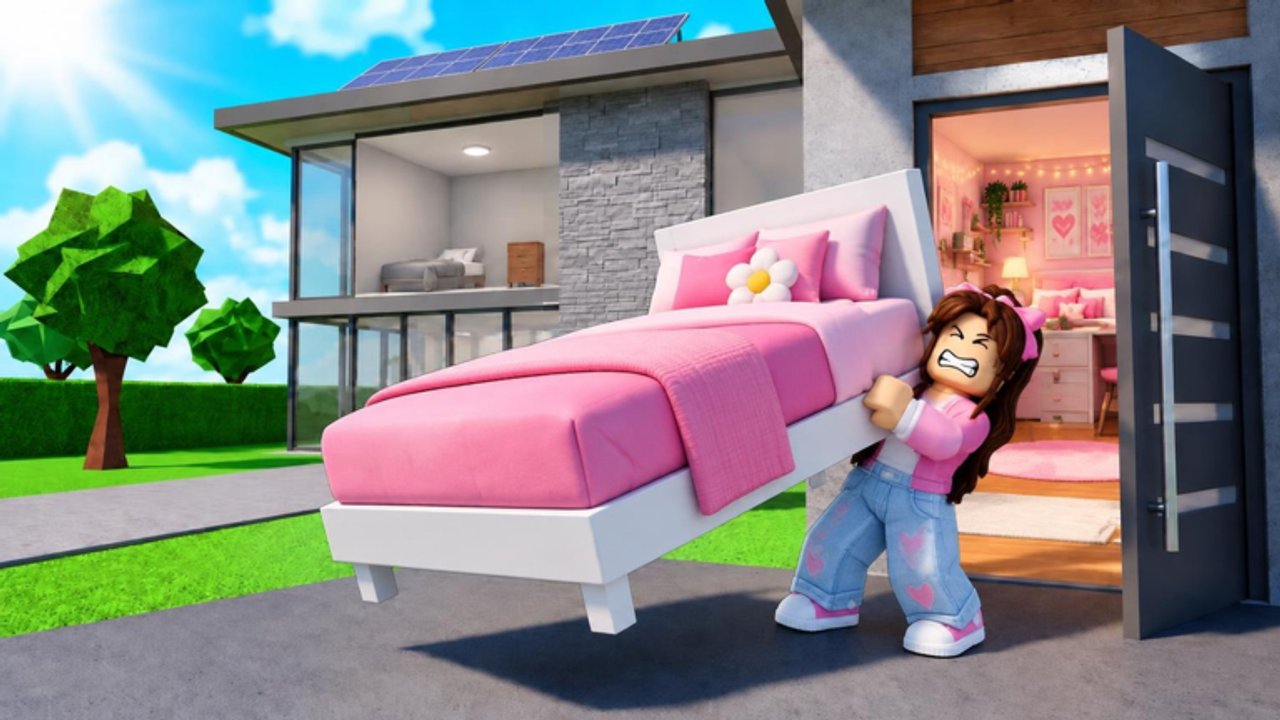
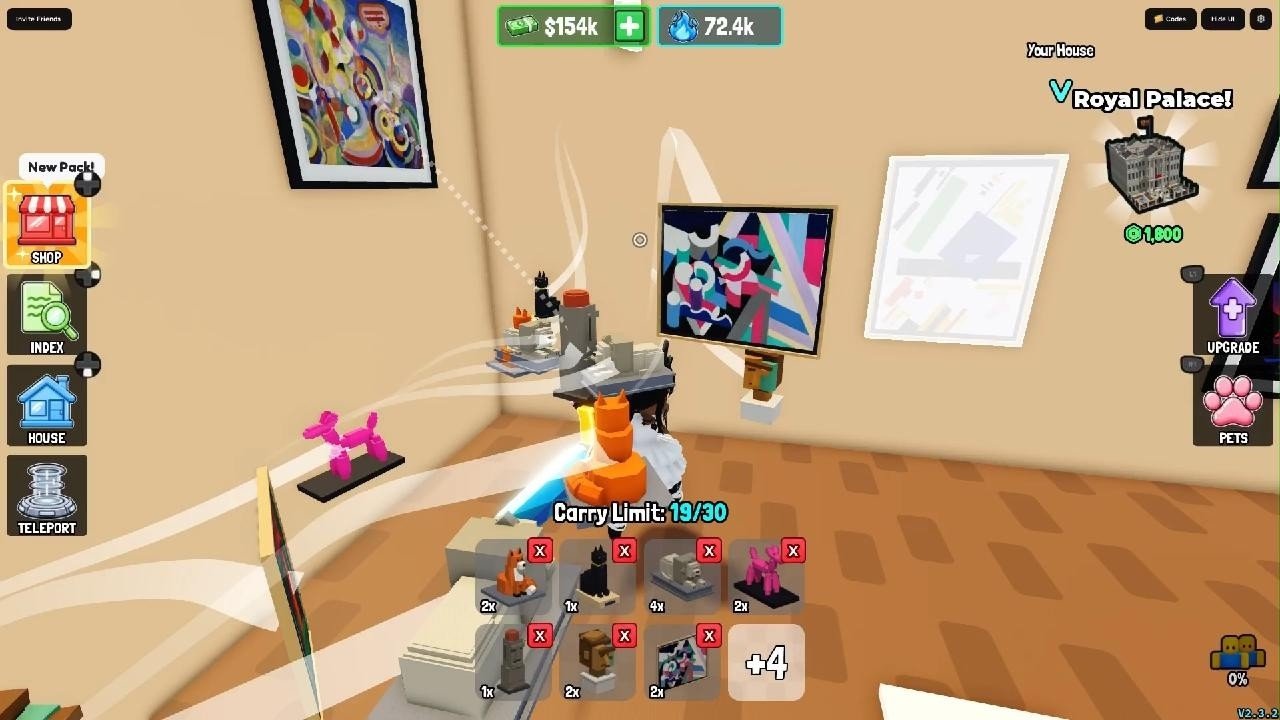
Grab and Decorate by Evil Tomato mixes truck-smashing loot runs with cozy home decorating. Smash delivery trucks, grab furniture, haul it home, spend cash on weapon upgrades, shop the Mall, level up for new rooms, and collect pets. Start with the beginner guide, redeem codes, then plan rooms with the furniture tier list.
Active Grab and Decorate codes with rewards, redeem steps, and tips so you claim furniture gifts before they expire.
View all CodesGrab and Decorate guides covering trucks, rooms, decorating, the Mall, and day-one tips so you progress faster every session.
View all GuidesGrab and Decorate tier lists for furniture rarity and weapon upgrades so you smash trucks and decorate smarter.
View all Tier ListGrab and Decorate players hub covering pets, badges, room unlocks, and progression after you decorate your home.
View all PlayersGrab and Decorate updates hub for seasonal events, furniture drops, codes, and patch notes players should track.
View all UpdatesGrab and Decorate scripts hub explaining scarce public exploits, ban risks, and safer progression without loadstrings.
View all ScriptsOfficial Grab and Decorate links for the Roblox game page, Evil Tomato group, Discord tips, and every wiki hub.
View all LinksLaunch Grab and Decorate on Roblox, open CODES on the right, and redeem every active entry on the codes list before they expire.
Follow the truck smashing guide to break delivery trucks, grab dropped pieces, and haul loot home for cash and decoration stock.
Use the decorate and paint guide to place shelves, tables, and exclusive pieces, then refine layouts as you unlock space.
Level up to open new rooms toward the Full House badge. See how to unlock rooms and track badges on the badges page.
Browse the Mall guide for furniture beyond truck drops, check the furniture tier list, and read pets for the New Best Friend badge.
Quick answers for Grab and Decorate players.
It is an Evil Tomato simulation sandbox where you smash delivery trucks for furniture, decorate your house, upgrade weapons, explore the Mall, unlock rooms, and buy pets.
Read the Getting Started guide, redeem codes, then practice the truck smash loop before investing cash in upgrades.
In-game, click CODES on the right, type the code exactly (case-sensitive), and press REDEEM. Full steps are on how to redeem codes.
Leveling up unlocks additional rooms in your default house. The unlock rooms guide covers progression and the Full House badge.
This wiki supports: English, Français, Deutsch, Español, Português (BR). Configure locales in site.meta.json and run npm run generate:i18n.
No. This is an unofficial fan resource. Confirm announcements on the Roblox game page and the official Grab and Decorate Discord linked from Evil Tomato channels.
See the Tier List hub, then open furniture tiers and weapon upgrades.
Claim free furniture from codes, learn how to unlock rooms, and smash smarter with the truck guide. Start with the beginner guide.
Start with the beginner guide