Grab and Decorate Unlock More Rooms
Grow your house floor by floor and aim for the Full House badge.
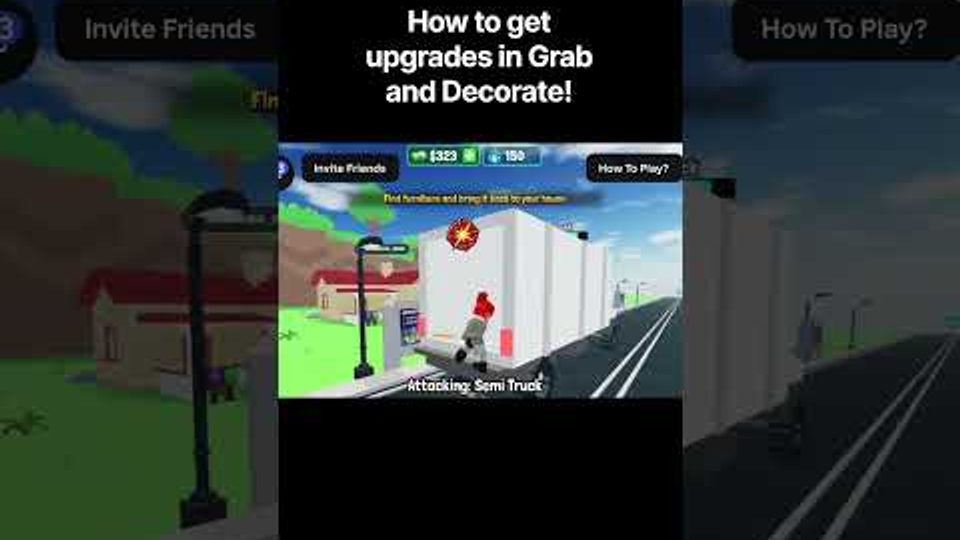
In Grab and Decorate, your house is not a fixed box. Leveling unlocks additional rooms in the default house so you can expand from a cramped starter layout into a full home worth showing off. More rooms change everything: you need more furniture, smarter paint choices, clearer traffic paths, and a longer-term plan for cash and Mall trips. This guide explains how room unlocks work, how they connect to the Full House badge, and how to expand without turning new spaces into clutter dumps.
Why room unlocks matter
Early sessions focus on smashing trucks and filling one or two spaces. That works until inventory and floor space collide. Unlocking rooms gives you dedicated areas—living zones, bedrooms, display corners for trophies and seasonal sets—so you stop stacking every coffee table in the same hallway. Expansion also creates natural goals: finish the room you just unlocked before chasing the next level spike. If you are still learning the basic loop, skim Getting Started first, then return here when XP gains start opening doors.
How leveling unlocks rooms
Progression is tied to leveling through normal play: smash trucks, grab furniture, decorate, spend cash, and keep the loop moving. Each level threshold can unlock another room in the default house. You do not need a separate dungeon for expansion—consistent farming and decorating sessions are enough. Treat every unlock as a mini milestone: clear the new room’s default clutter if any, decide its role (lounge, kitchen-style storage, trophy room, seasonal display), then furnish with purpose instead of dumping random truck drops.
Keep a short backlog of furniture that fits the next room type. When an unlock lands mid-session, you can place a starter layout immediately instead of staring at empty walls. Codes that grant tables and exclusive pieces—listed on Codes—help stock that backlog before you unlock space.
Full House badge and house expansion
The Full House badge rewards unlocking every room in the default house. It is rare compared with Welcome!, so treat it as a long-term expansion goal rather than a day-one checkbox. Plan for it by:
- Maintaining steady XP through truck farming and active play.
- Upgrading weapons so sessions stay efficient (see Smash Trucks).
- Decorating as you go so each unlock feels complete instead of abandoned.
- Using the Mall to buy matching sets when truck RNG refuses to cooperate (Mall Guide).
Full House is about unlocking rooms, not about winning a design contest—but a finished house that actually looks lived-in is more satisfying and makes the badge feel earned. Badge and companion goals also sit alongside pet progress on the Players hub.
Decorating each new room without chaos
Every unlock multiplies placement decisions. Use a simple rule: one primary function per room, one accent color family, and clear walking paths. Place large pieces first (sofas, beds, big shelves), then mid-size tables, then small decorations and code trophies. Paint after the big furniture is roughly placed so you can judge contrast. Deep placement and paint advice lives in Decorate and Paint; come back to that guide whenever a new room feels flat or overcrowded.
Avoid moving your entire collection into the newest room. Leave older rooms intact so the house tells a progression story and you do not rebuild from scratch after every unlock. Seasonal furniture from events—Thanksgiving pieces from GOBBLE26, for example—works well as rotating displays in a dedicated corner once you have enough rooms. Track event furniture and patch changes on Updates.
Cash, weapons, and XP efficiency
Room unlocks reward players who farm efficiently. Weak weapons slow truck clears, which slows XP and cash, which delays both Mall shopping and the next unlock. After each major unlock, ask whether your weapon still matches the trucks you fight. If smash times creep up, pause heavy decorating and put cash into combat again. The Tier List hub helps you decide upgrade priority when cash is tight.
Balance matters: a maxed weapon with empty rooms feels incomplete, and a gorgeous house you cannot defend against tougher trucks feels fragile. Alternate short farm blocks with short decorate blocks after every unlock.
Suggested expansion order for new players
- Finish a usable starter room with BEGINNER tables and early truck loot.
- Upgrade your weapon enough to clear common trucks quickly.
- Level until the next room unlocks; assign it a clear role.
- Furnish the new room with Mall fillers if needed.
- Repeat until the default house is fully unlocked for Full House.
- Add pets and trophy displays once space and cash allow.
Common mistakes
- Ignoring unlocks and overcrowding one room until paths disappear.
- Spending all cash on Mall furniture while XP and weapons stall.
- Leaving new rooms empty for days so motivation drops.
- Chasing Full House without learning decorate controls first.
- Forgetting seasonal code furniture that could theme a fresh room.
Unlock rooms steadily, furnish with intent, and the default house becomes a gallery of your smash-and-decorate journey—not a storage closet with walls.
Frequently Asked Questions
Quick answers for Grab and Decorate players.
How do I unlock more rooms in Grab and Decorate?
Level up through regular play—smashing trucks, grabbing furniture, decorating, and earning cash. Level thresholds unlock additional rooms in the default house.
What is the Full House badge?
Full House is awarded for unlocking every room in the default house. It is much rarer than the Welcome! join badge, so plan for it as a long-term goal.
Should I furnish a room as soon as it unlocks?
Yes. Assign the room a role and place a basic layout quickly so the space stays motivating. Use Mall purchases when truck drops do not match the theme.
Do seasonal updates add rooms?
Seasonal patches often add furniture themes (such as Thanksgiving pieces) more than new default rooms. Check the Updates hub whenever an event drops.
What should I do after unlocking the whole house?
Refine paint and layouts, display trophies and exclusive code furniture, chase pets for New Best Friend, and keep weapons upgraded for tougher trucks.