Grab and Decorate Updates and Events
Seasonal furniture waves, milestone gifts, and patch notes that change how you smash, grab, and decorate.
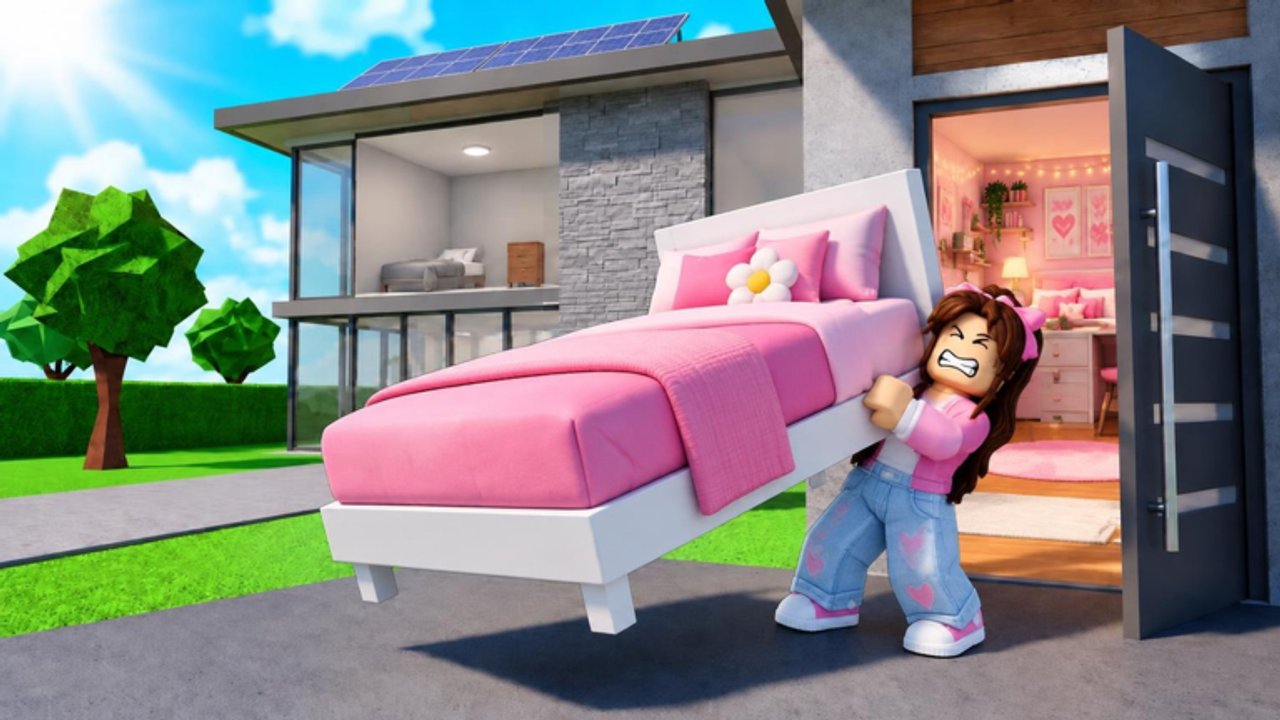
The Updates Hub tracks what changed in Grab and Decorate so you spend sessions on live rewards instead of outdated farms. Evil Tomato ships seasonal furniture, milestone gifts, Discord exclusives, and quality-of-life tweaks that touch trucks, the Mall, rooms, and codes. Bookmark this page beside the Codes Hub and the Guides Hub whenever a trailer or group shout announces something new.
How to read patch beats in this game
Grab and Decorate updates usually fall into a few buckets:
- Seasonal furniture sets — timed Commons and rarer pieces (Thanksgiving is the headline example).
- Milestone cosmetics — celebration items when visit counters or community goals land.
- Codes — short strings that inject furniture bundles without grinding.
- Progression hooks — anything that affects smashing trucks, decorating income, room unlocks, weapons, or pets.
When an update drops, ask three questions: What new placeables exist? Which code claims the easy bundle? Do I need a weapon bump before farming the new route?
Featured: Thanksgiving 2026
The Thanksgiving 2026 wave adds seasonal decorating goals and the GOBBLE26 code for one of every Common Thanksgiving furniture piece. Use it to theme rooms quickly, then farm trucks and the Mall for anything above Common. Full details, redeem reminders, and placement tips live on the Thanksgiving 2026 page.
During the event, prioritize:
- Redeem
GOBBLE26via the in-game CODES button. - Place the Common set in a dining or entry space.
- Run Mall and truck loops while seasonal stock is hot.
- Keep weapon upgrades current so farms stay short.
Milestone snapshot: one million visits
The MILLIONGIFT code celebrates the community crossing one million visits with One Million Foil Balloons, a Million Gift Box, and the One Million Visits Trophy. These are display-first rewards. Place them where guests notice, then return to the normal smash-and-decorate economy. Full redeem steps, placement ideas, and progression reminders live on the One Million Visits page. Combined with beginner and Discord codes, milestone gifts accelerate how finished your house looks in the first hours.
Codes to recheck after every update
Updates often ship with or beside codes. As of November 2026 we still highlight:
BEGINNER— Shelf and Coffee Tables for new homesBLURPLE— Discord Exclusive furnitureGOBBLE26— Thanksgiving Common setMILLIONGIFT— balloons, gift box, trophy
Verify live status on the Codes Hub before a long grind. Expired strings waste time; new strings can skip entire farm evenings.
Progression systems that patches can retune
Even when furniture headlines the notes, quiet changes to truck toughness, cash from decorating, Mall layouts, room prices, weapon costs, or pet shops matter. After reading an update blurb:
- Skim Getting Started if onboarding changed.
- Recheck furniture value on the furniture tier list.
- Recheck upgrade order on the weapons tier list.
- Confirm badge and pet goals on the Players Hub.
Session plan after a major drop
- Read the child update page on this hub.
- Redeem every new or highlighted code.
- Clear inventory filters and screenshot new items.
- Spend twenty minutes placing event pieces.
- Smash trucks or hit the Mall with a concrete loot target.
- Log off only after one weapon or room decision is made for the next day.
That structure stops update hype from turning into aimless walking.
What we document here versus elsewhere
- Updates Hub / child pages — what changed and when to farm it.
- Codes Hub — exact strings and rewards.
- Guides — evergreen how-to play advice.
- Tier lists — relative value after the meta shifts.
- Official Links — Roblox page and developer group for primary announcements.
We do not invent patch notes. When official text is thin, we describe player-facing effects you can verify in-game: new code rewards, seasonal item categories, and badge hooks that still apply.
Child pages
- Thanksgiving 2026 — seasonal furniture,
GOBBLE26, decorating tips - One Million Visits —
MILLIONGIFTballoons, gift box, trophy, placement ideas
More event pages will land here as Evil Tomato ships them. Treat Thanksgiving and the million-visits milestone as the template for how future seasons will be covered: code first, place second, farm third, upgrade always.
Stay flexible. A sandbox decorator changes weekly priorities faster than a linear story game. Checking this hub before you queue keeps your house trendy and your smash routes efficient.
Frequently Asked Questions
Quick answers for Grab and Decorate players.
Where are Grab and Decorate patch notes summarized?
Start on this Updates Hub, then open child pages like Thanksgiving 2026 for event-specific furniture and codes.
Do updates always add codes?
Not always, but seasonal and milestone drops often include codes. Recheck the Codes Hub after every announcement.
What should I do first after a furniture event starts?
Redeem the event code, place the free set, then farm trucks and the Mall while the seasonal pool is active.
Where else should I look for official news?
Use the Official Links page for the Roblox game entry and Evil Tomato group, plus the in-game community Discord invite listed there.